Les projets de VE2CUY
My home data center
Document converti depuis ve2cuy.com/blog — dernière modification : 2014-01-30
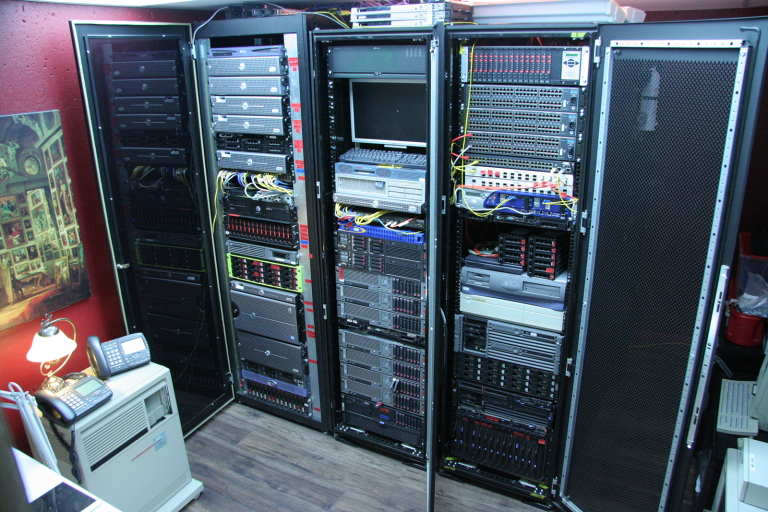
Here’s an update video of my home Data Center
Enjoy!
▶️ Vidéo YouTube : Voir la vidéo
- Introduction
- Pictures & videos
- Detailed view of the racks
- Electricity
- Servers under vCenter
- Hardware and topology
- Home VOIP services
- BladeCenter
- Reference manuals
1 – Introduction
In another career, I taught telecommunications, operating systems and computer networks. Nowadays, I mainly teach application development for iOS in Xcode. For those of you who read French, I have an ‘Introduction to Xcode’ blog. But I still like to play with computers so, just to keep my hand in; I’ve built myself a small data center at home. So what kind of testing goes on here?
- Hardware: enterprise class servers – Dell, HP, IBM – SAS, RAID 5, 6 + spare, RAID 50, 60, hot swap, UPS, F.C. SAN, Fibre switch, tape backup (IBM LTO3), …
- OS – Linux, Windows, OpenVMS, z/OS, HP-UX, IBM AIX, …
- Virtualization – VMware vSphere Hypervisor, vCenter server, vMotion, openStack, Xen, …
- Network – switch, CLI, LACP, MSTP, ACL, topology, fiber optic, vlan, firewall, traffic shaper, trust and untrust LAN, IPV6, …
- VOIP – Asterisk, VOIP, POE (Dell powerConnect 3448P), IP phones (Nortel 1230), SIP, …
- And much more …
Enjoy your tour in my data center!
2 – Let’s look at a few pictures
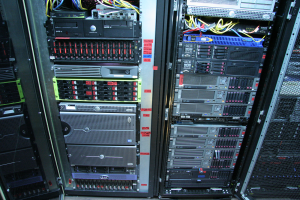
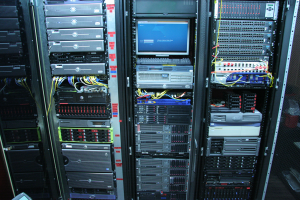
Here are some pictures of the data center taken in the summer of 2014:
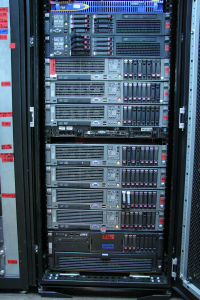
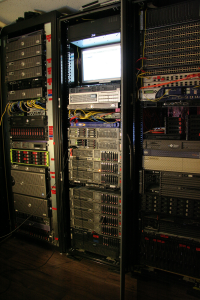
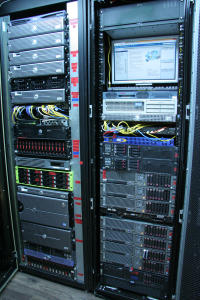
▶️ Vidéo YouTube : Voir la vidéo
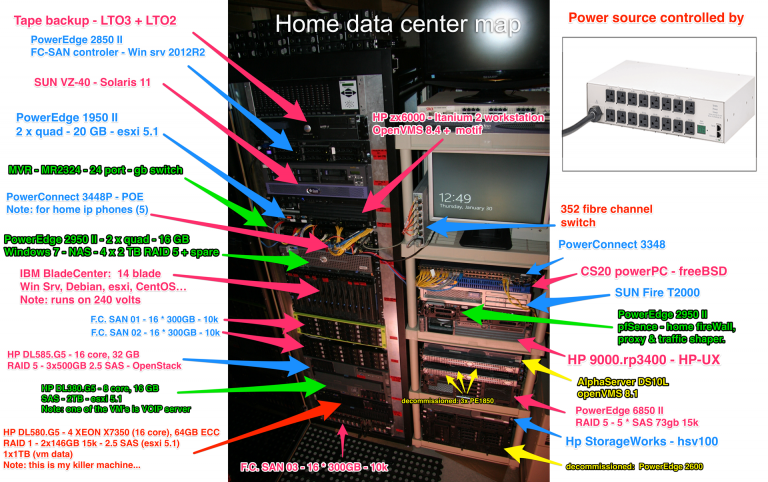
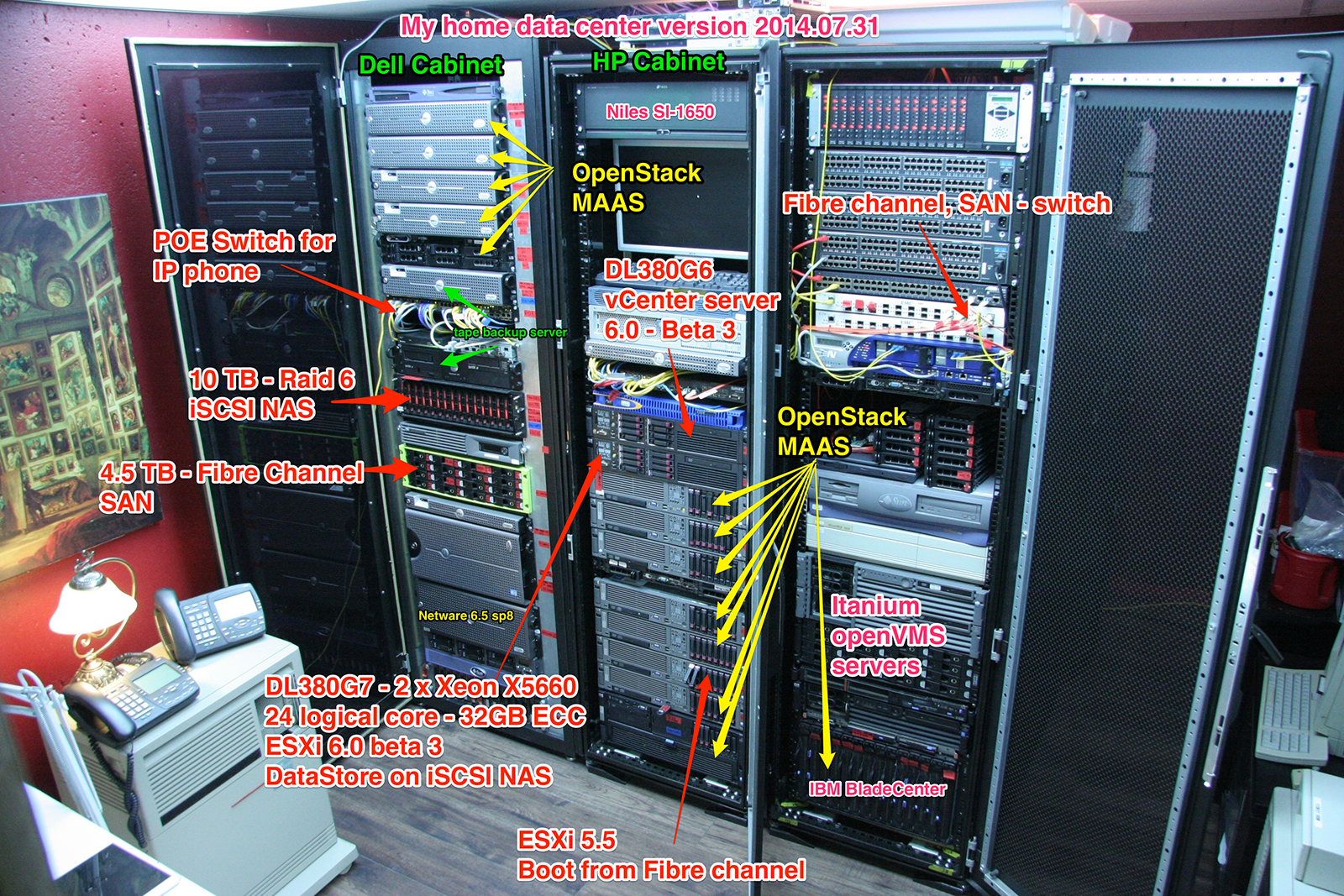
3 – Detailed view of the racks
To get a detailed view of the hardware in the data center, click on the picture below: Note: what you don’t see in this picture: IBM system P5 (AIX), IBM AS400, HP rx2620, 2 x VAX-4000 200, Micro VAX and a Juniper NetScreen.
Winter 2014
Summer 2014
4 – Electricity
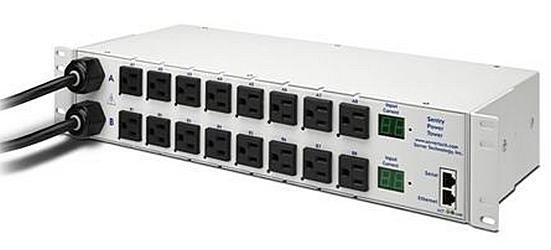
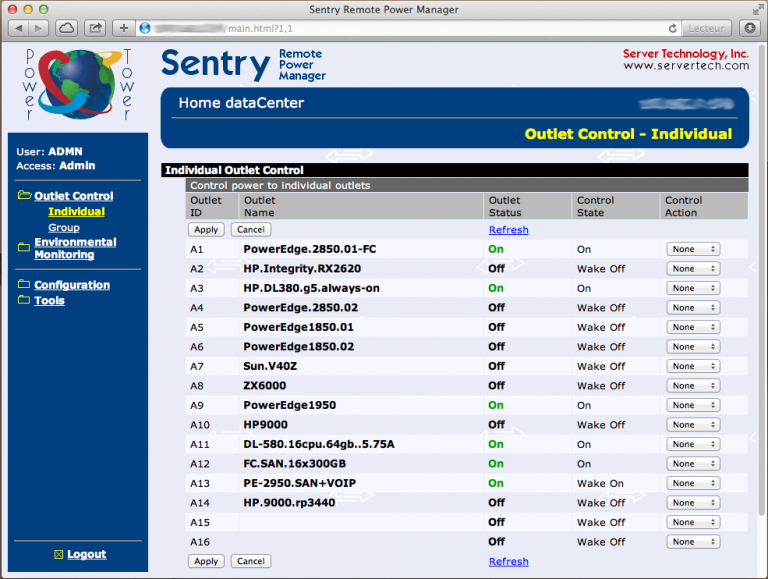
In no way, it would be possible to supply this kind of system without attention to electricity. My first step was to install an electrical box to provide a power of 240 volts at 40 amp, which will provide a maximum of 9.6kw/hr when needed. Note: The servers are rarely open all at once, average consumption is 1-2 kw / hr. The data center electrical box is connected to the main electrical box using an 8-3 CU wire. In addition, UPS are installed behind the rack No. 1. Electricity distribution to the servers is controlled by a Sentry power tower using a web interface.
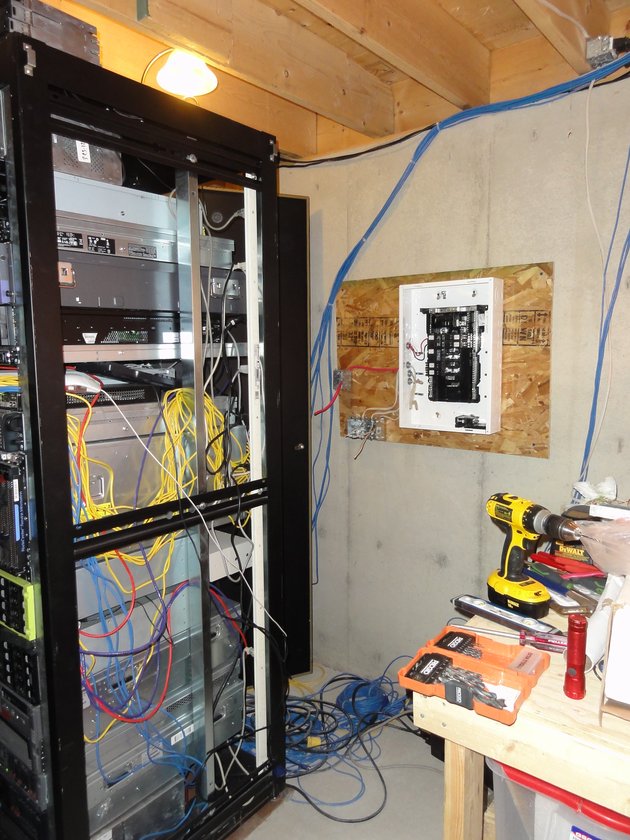
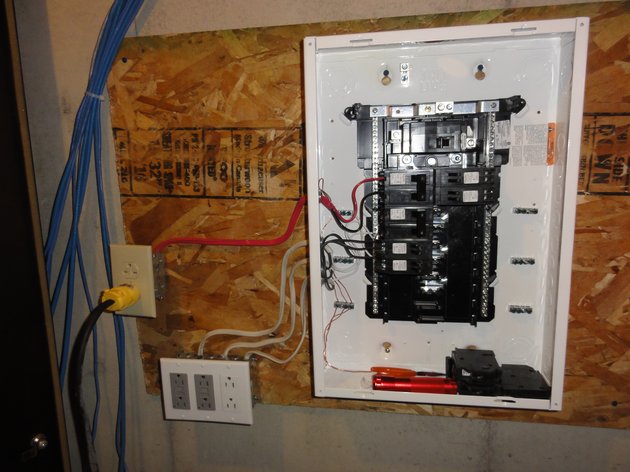
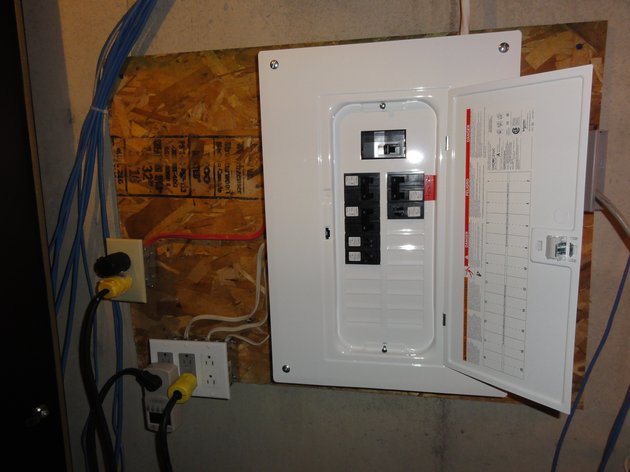
Sentry power tower:
Sentry power tower web interface:
5 – vCenter server
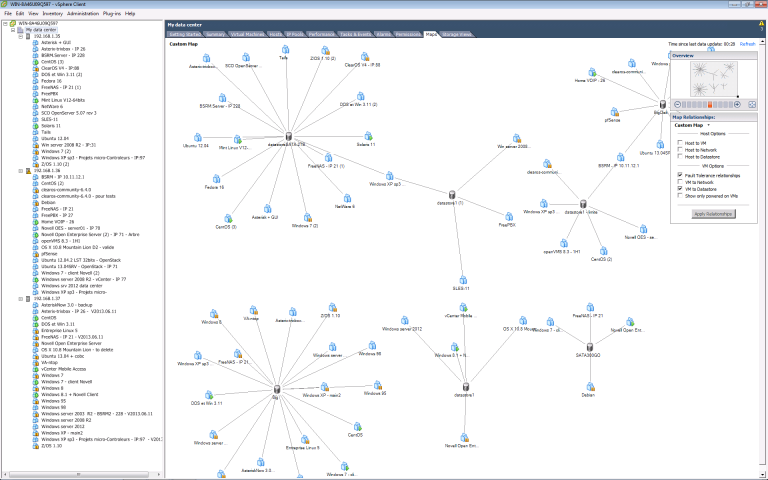
Most of my i86 servers run VMware vSphere Hypervisor. Centralize management is obtained through vCenter server. vCenter server is running in an auto start ‘windows server 2008R2 VM’ on the HP DL380 G5. For additional reliability, the 380 is connected to a UPS. Here’s a short video screen capture of me parsing my vCenter resources with a vSphere Client.
▶️ Vidéo YouTube : Voir la vidéo
5.1 The map
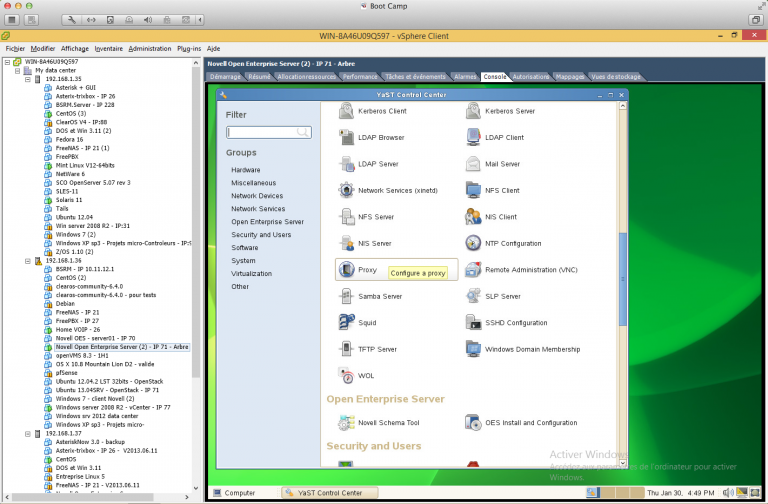
5.2 Novell server
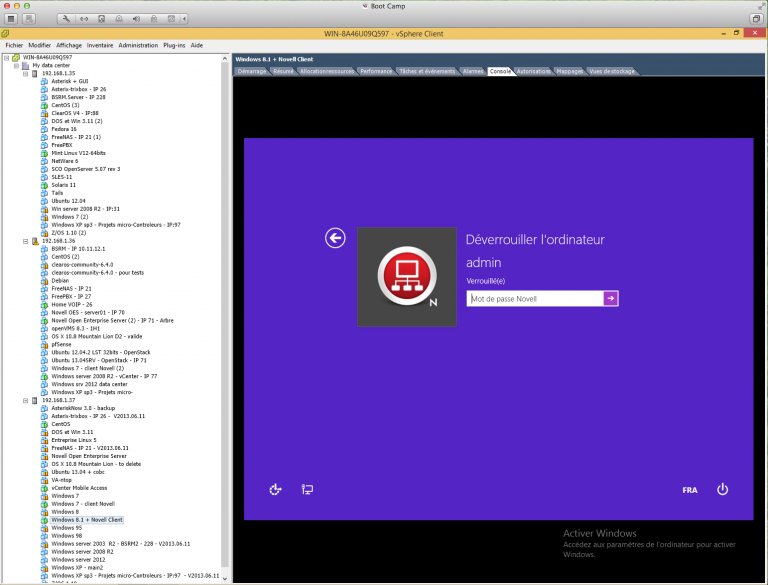
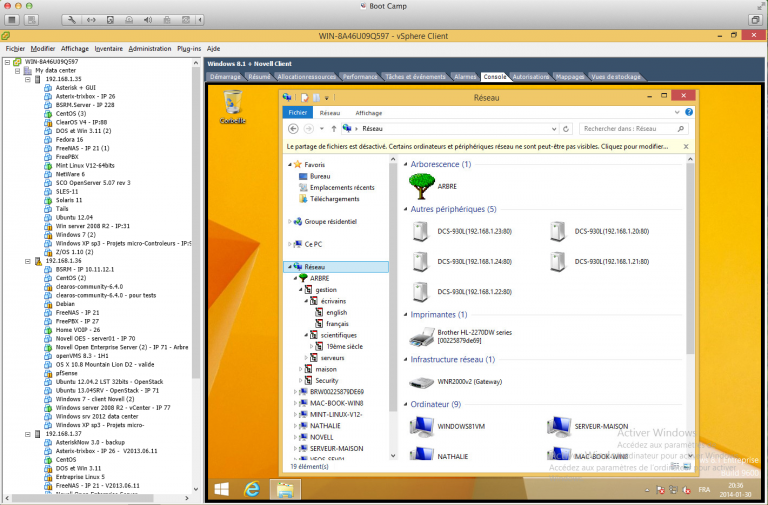
5.3 Novell client – under windows 8.1
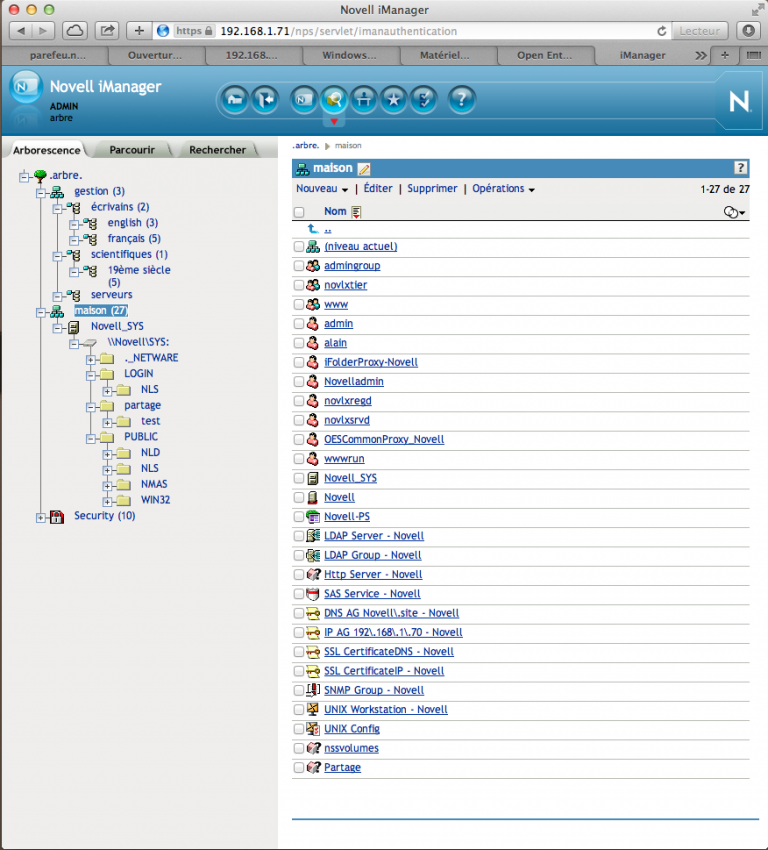
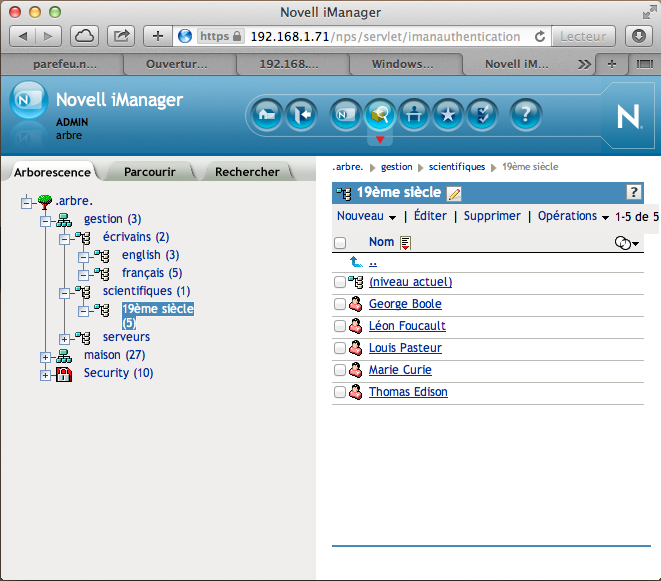
5.4 Novell iManager
6 – Hardware and topology
Currently being written…
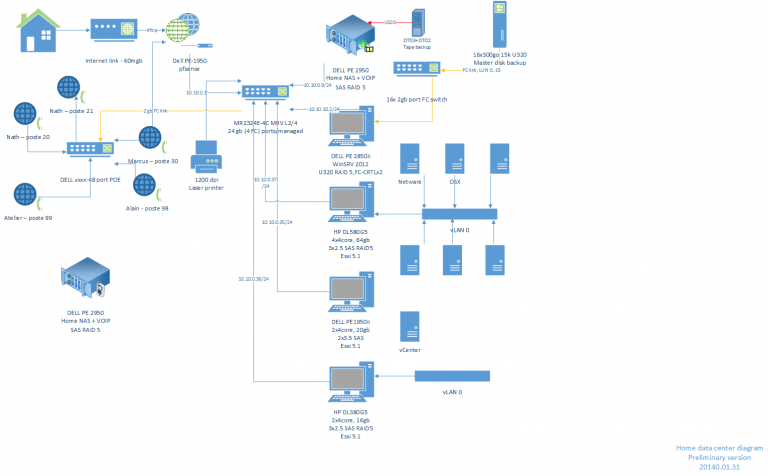
6.1 – Network diagram
6.2 – Network switches and routers (including fibre channel)
– Hp 352 fibre channel switch
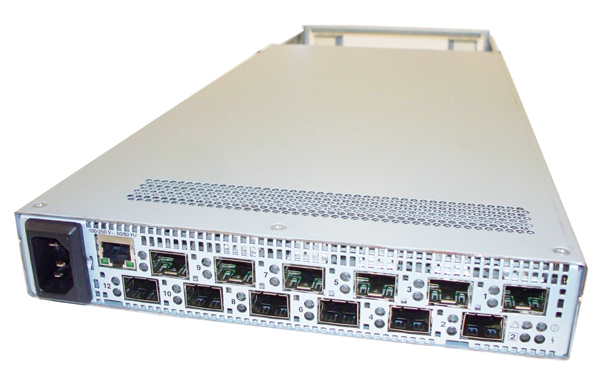
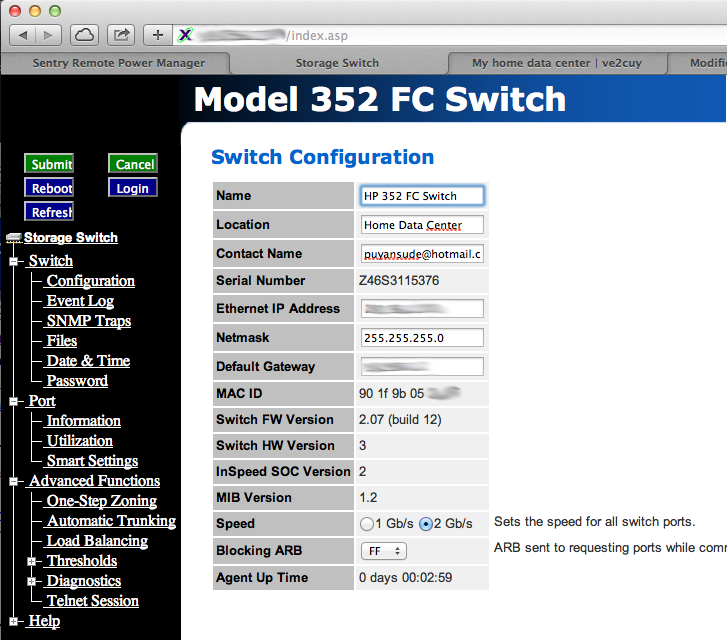
The 3 SAN of the data center are interconnected with a HP 352 fibre channel switch.
The switch configuration is achieved trough a WEB interface:
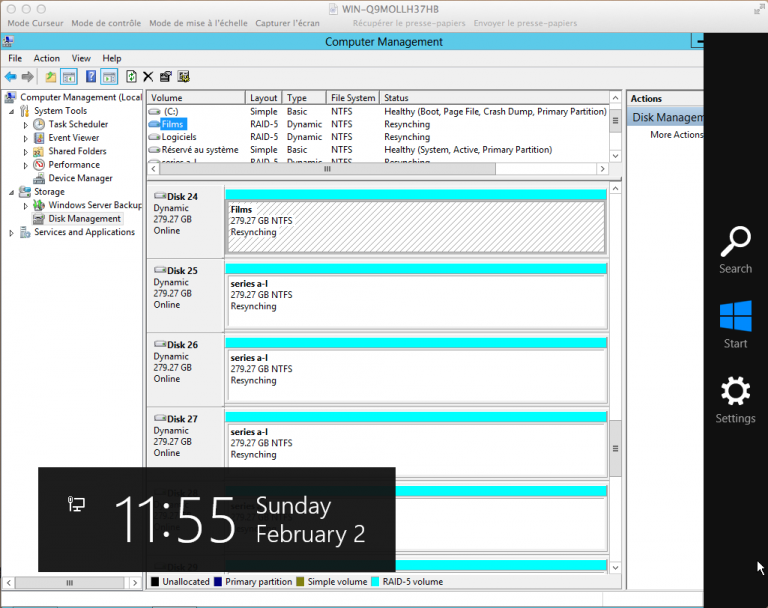
And here’s a few volumes resynching in Windows server 2012 running on a PowerEdge 2850 II with 2 x 2Gb F.C. controller.
6.3 – Servers
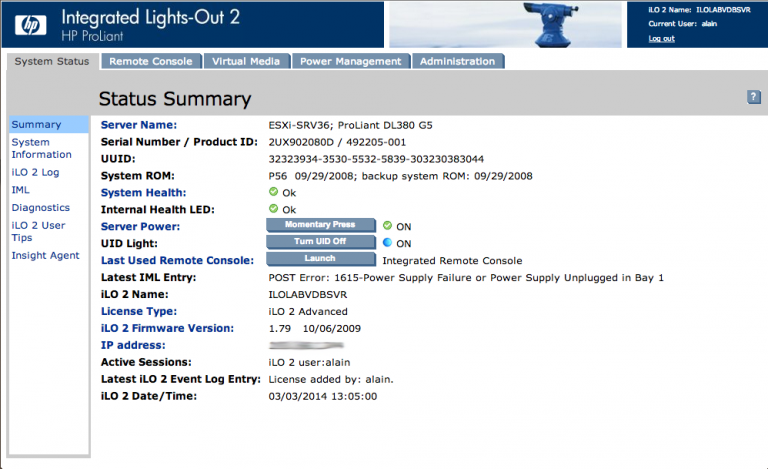
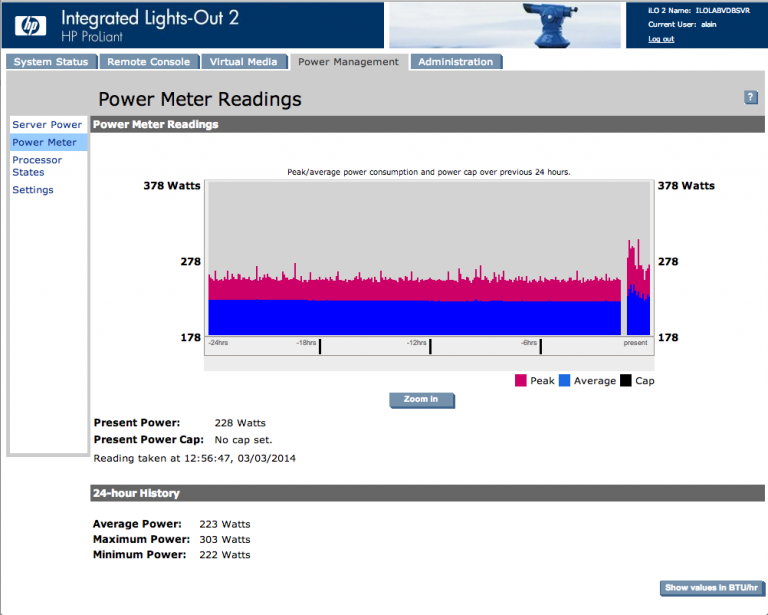
Intelligent Platform Management Interface (IPMI) Most of my servers have an IPMI card (Dell DRAC, HP iLO, …) for remote monitoring and control. iLO2 on my HP.DL380-G5 (ESXi, Asterisk, …)
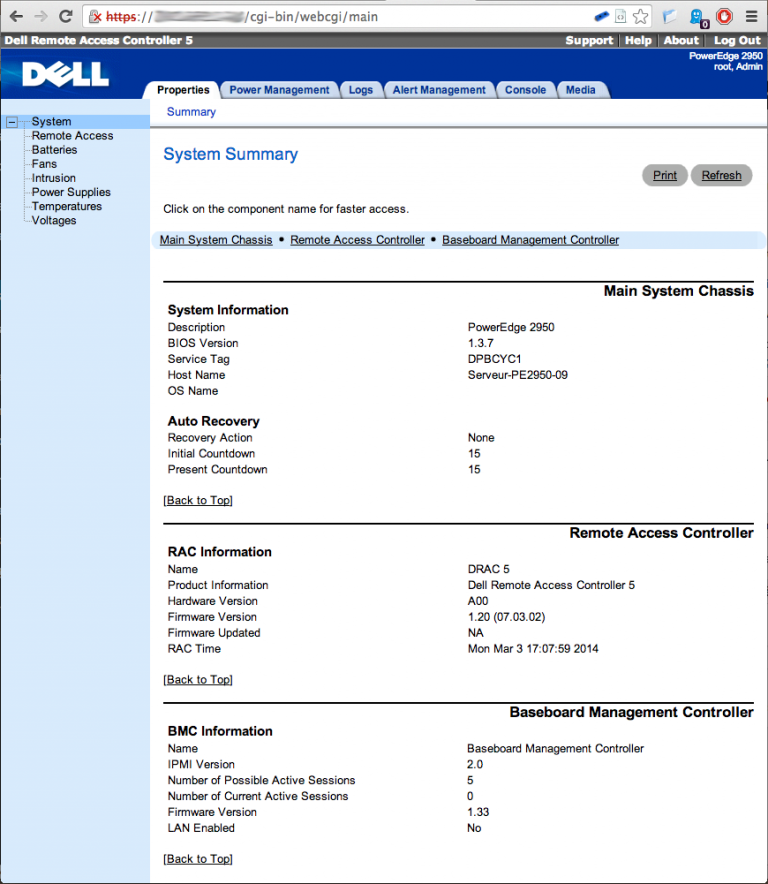
DRAC5 on my PowerEdge 2950.II.09 (pfSense server):
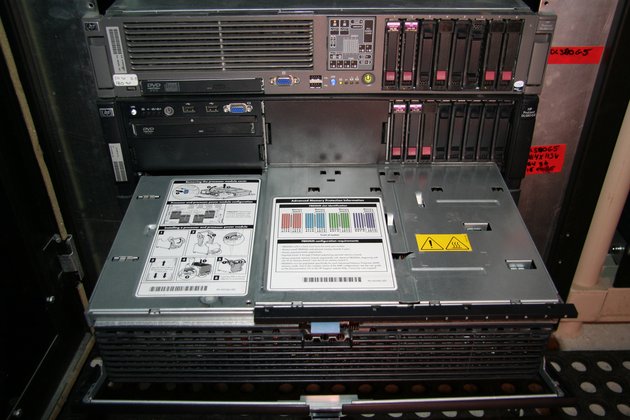
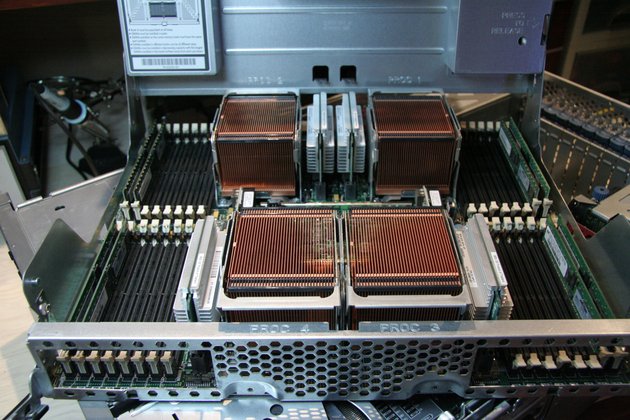
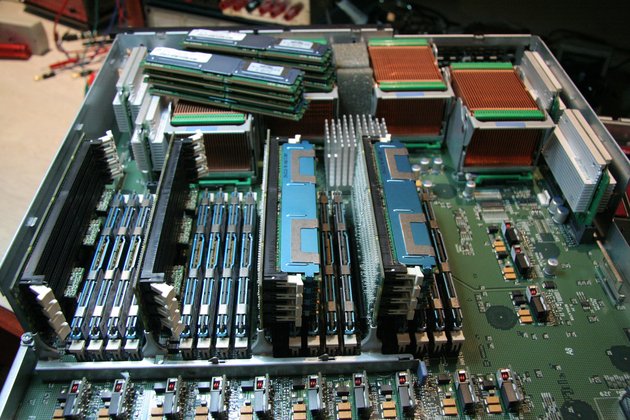
Adding memory in the DL585 G5 and DL580 G5
more to come …
Storage and NAS
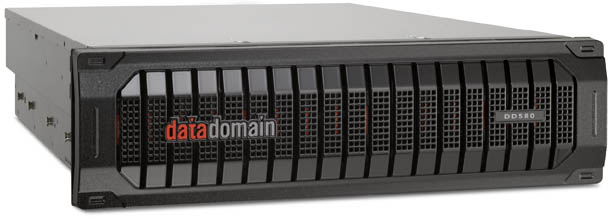
Data domain DD500 – Running FreeNAS. 4 x 2TB Raid5 + 11 x 500GB Raid6 = 10.5TB of storage
7 – Home VOIP services
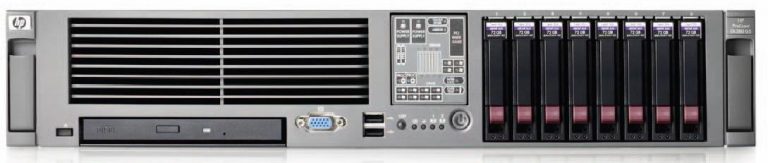
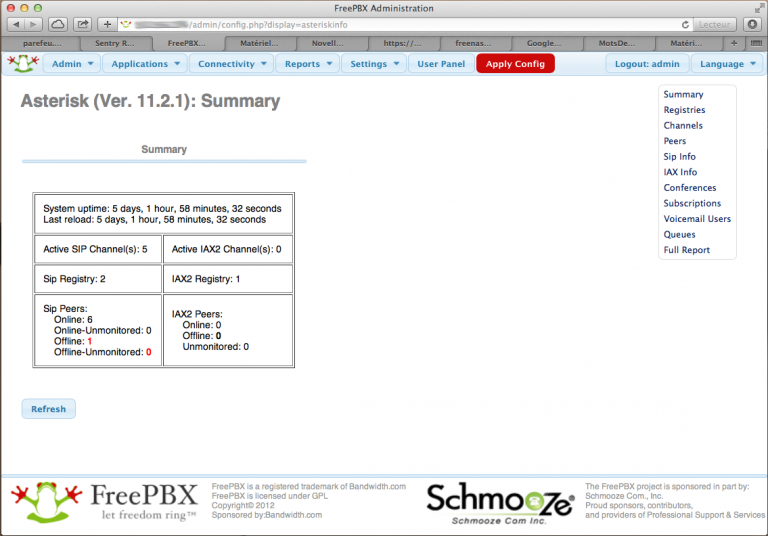
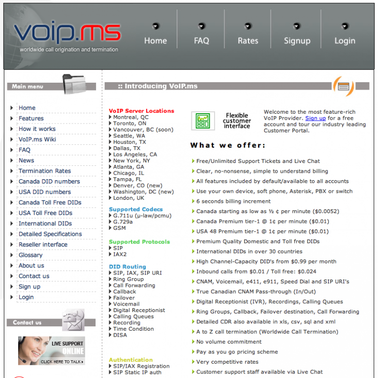
What a pleasure to be able to speak, by phone, to all our friends and acquaintances, regardless of their geographical location without breaking the bank. That is why we decided to move to IP telephony. Our VOIP home network consists of 5 Avaya 1230 phones (reflash with SIP firmware), a Power Over Ethernet switch, a AsteriskNOW server – VM machine on DL380 – with the FreePBX administrative GUI and an external SIP/ IAX2 trunk provider (voip.ms).
7.1 – Hardware
- Access to the Internet
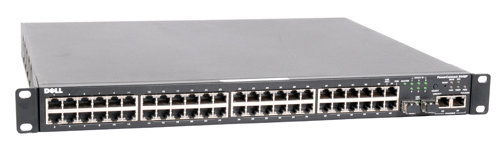
- A POE Switch – Dell powerConnect 3448P
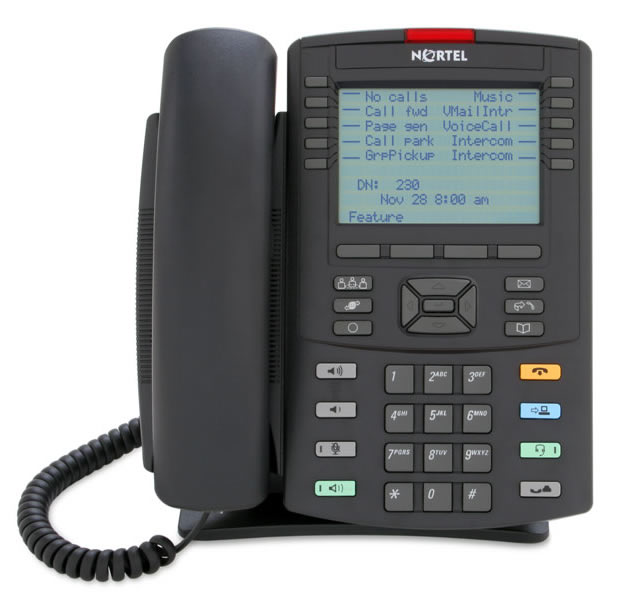
- 5 Avaya 1230 ip Phones
- 1 HP DL380G5 – running a VM of asteriskNow
7.2 – Software
- Asterisknow
- Management with a GUI:
7.3 – An SIP/IAX2 trunk provider
- voip.ms ( great prices! )
- A little effort of configuration
And Voilà, it’s up and running!
8 – BladeCenter
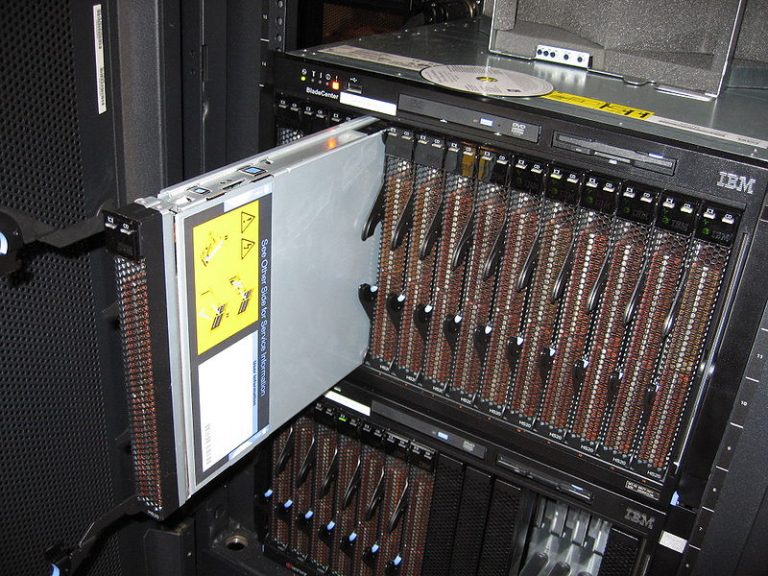
This one is quite a beast; noisy and power hungry! It runs on 240 volts only. There are 11 LS20 (2 * dual core AMD CPU) and 3 HS20 (2 * dual core intel CPU) blade in the bladeCenter. Most of the blades are running VMware vSphere Hypervisor.
Blades configuration is achieved trough a WEB interface:
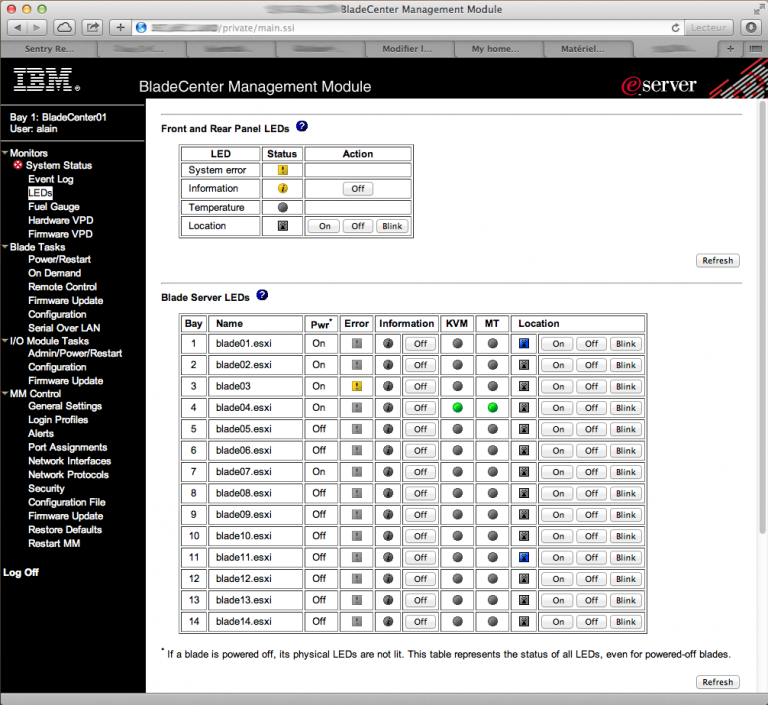
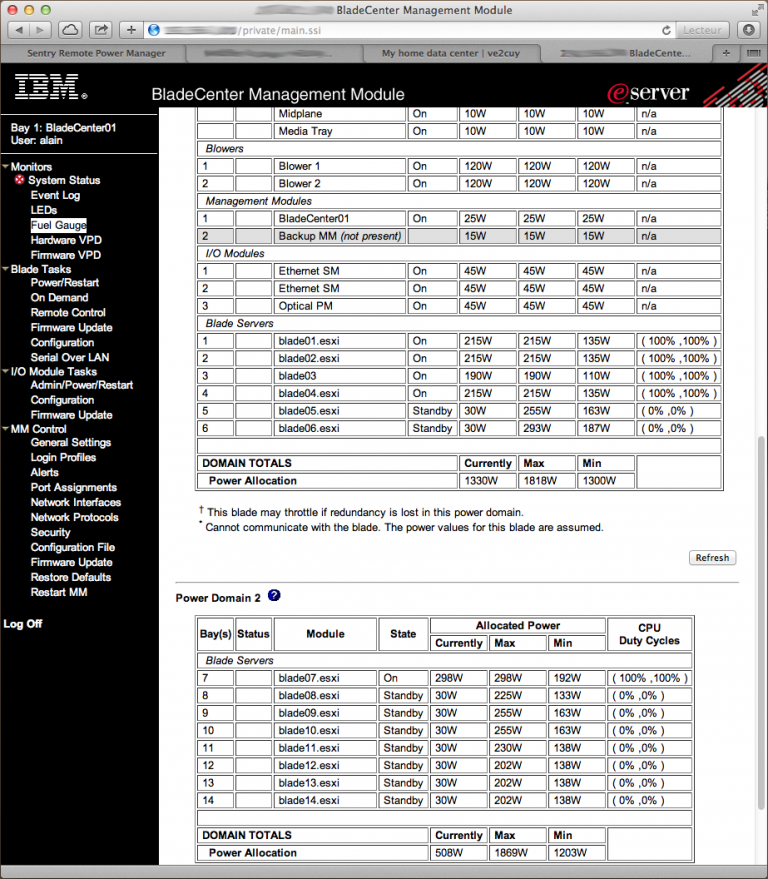
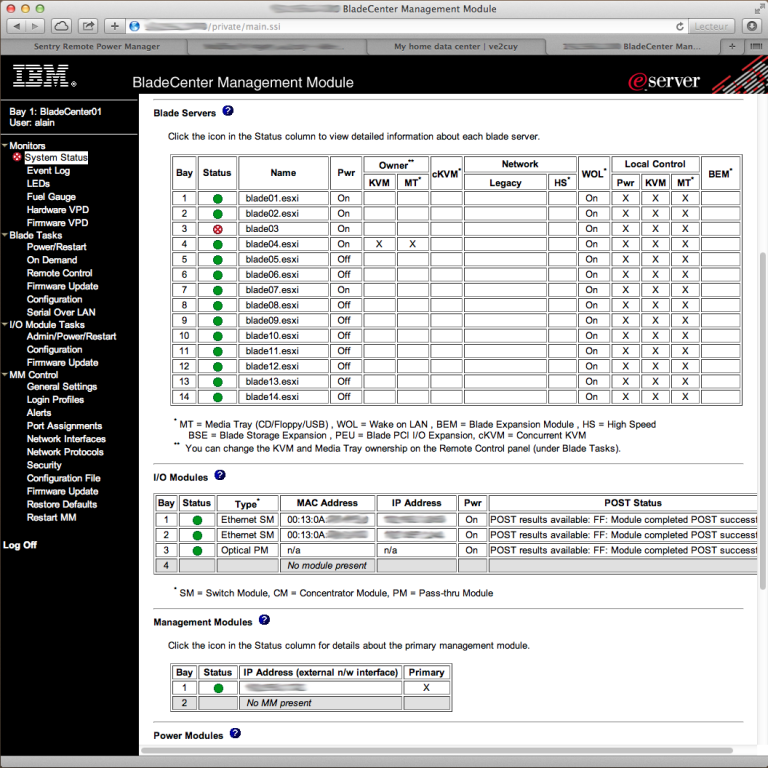
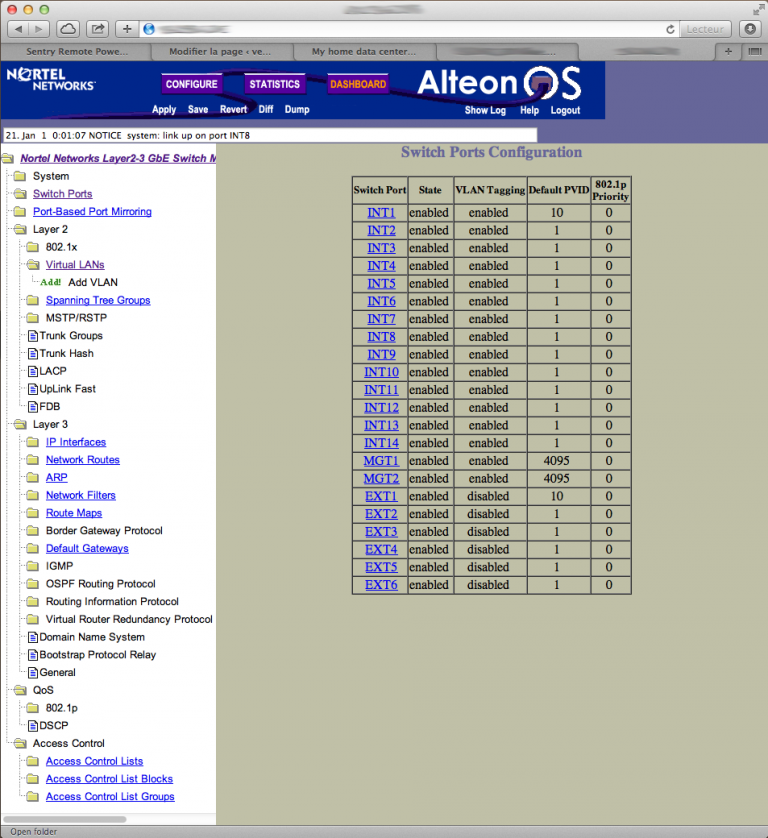
Configuration of the layer 2-3 GbE integrated switch is also achieved trough a WEB interface:
Reference manuals
PowerEdge-2950ii_owner’s manual_en-us MR2324.4C Management Guide Juniper Netscreen 500 Sentry PTXL v52 HP DL580 G5 HP-DL585 G5 – User manual HP Integrity RX2620 HP 9000 rp3440 user guide Power connect 3448P User’s Guide SUN sunfire t2000 admin guide SUN sunfire t2000 install guide